Overview
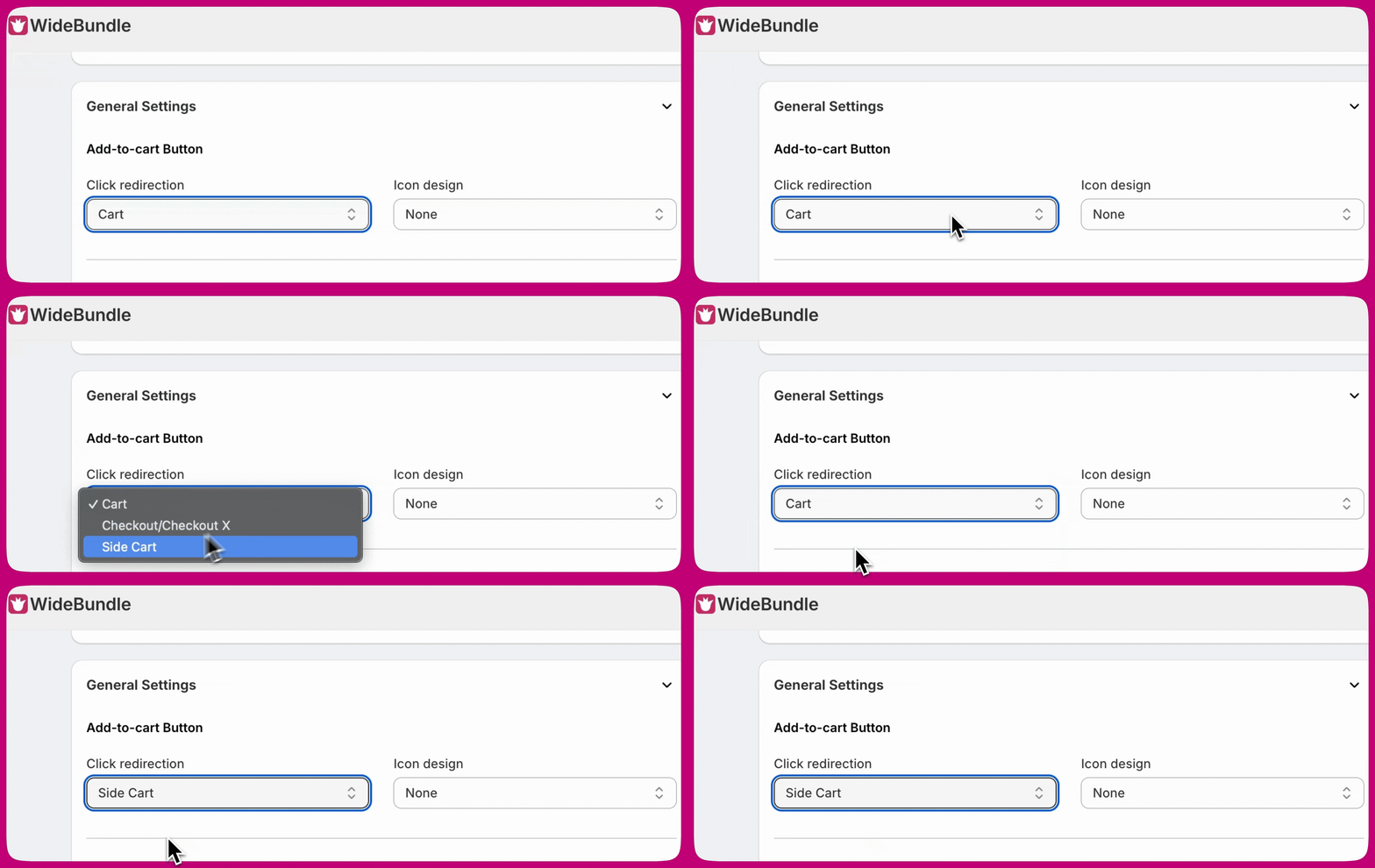
When using Wide Bundles and Upcart together, you may notice that the cart does not open correctly after a customer adds an item. This usually happens when the Add-to-Cart Redirection setting in Wide Bundles is not configured to work with Upcart.How to Fix It
Follow these steps to resolve the issue:- Open your Wide Bundles settings.
- Locate the Add-to-cart Button section.
- Change Click redirection to Side Cart.