Overview
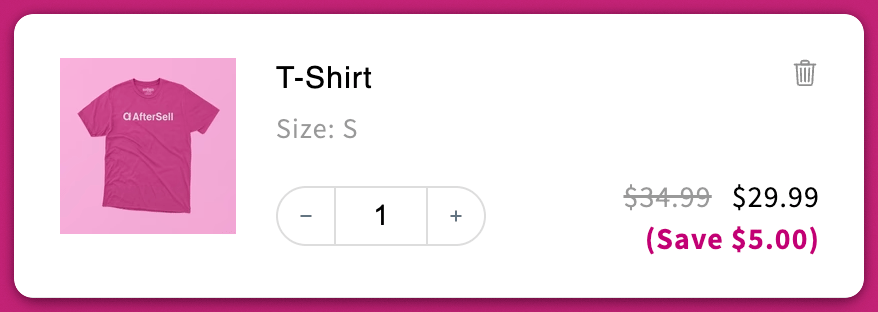
This setting lets you control whether the text(Save $___) appears below discounted product prices inside the cart drawer.
Where to Find It
Go to:Upcart > Editor > Settings > Cart settings
Enable or disable the checkbox labeled “Show savings with product prices.”
How It Works
✅ Enabled (Box Checked)
-
Displays a green
(Save $___)line beneath the product price. - The amount is the strikethrough price minus what the line actually costs now, so any product-level discount already applied — an automatic discount or a discount code that reduced the line — widens it.
-
Which price is used as the strikethrough depends on your pricing settings:
- Compare at price (default)
- Base price (if you’ve enabled that in Advanced Settings)
Show discounts from base price instead of from compare at price?
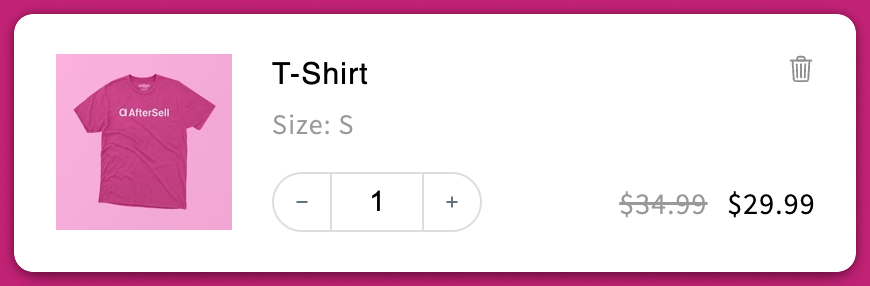
⬜ Disabled (Box Unchecked)
- Hides the savings text entirely.
- Useful if you prefer a cleaner, minimal cart design