Overview
After you have selected your upsell products on Upcart upsells section, it’s time to make sure that it is displayed in the way that you intended. This document describes functionality of each feature under Cart Editor > Upsells > Upsell Settings, and is a second part of the previous Upsell Module document.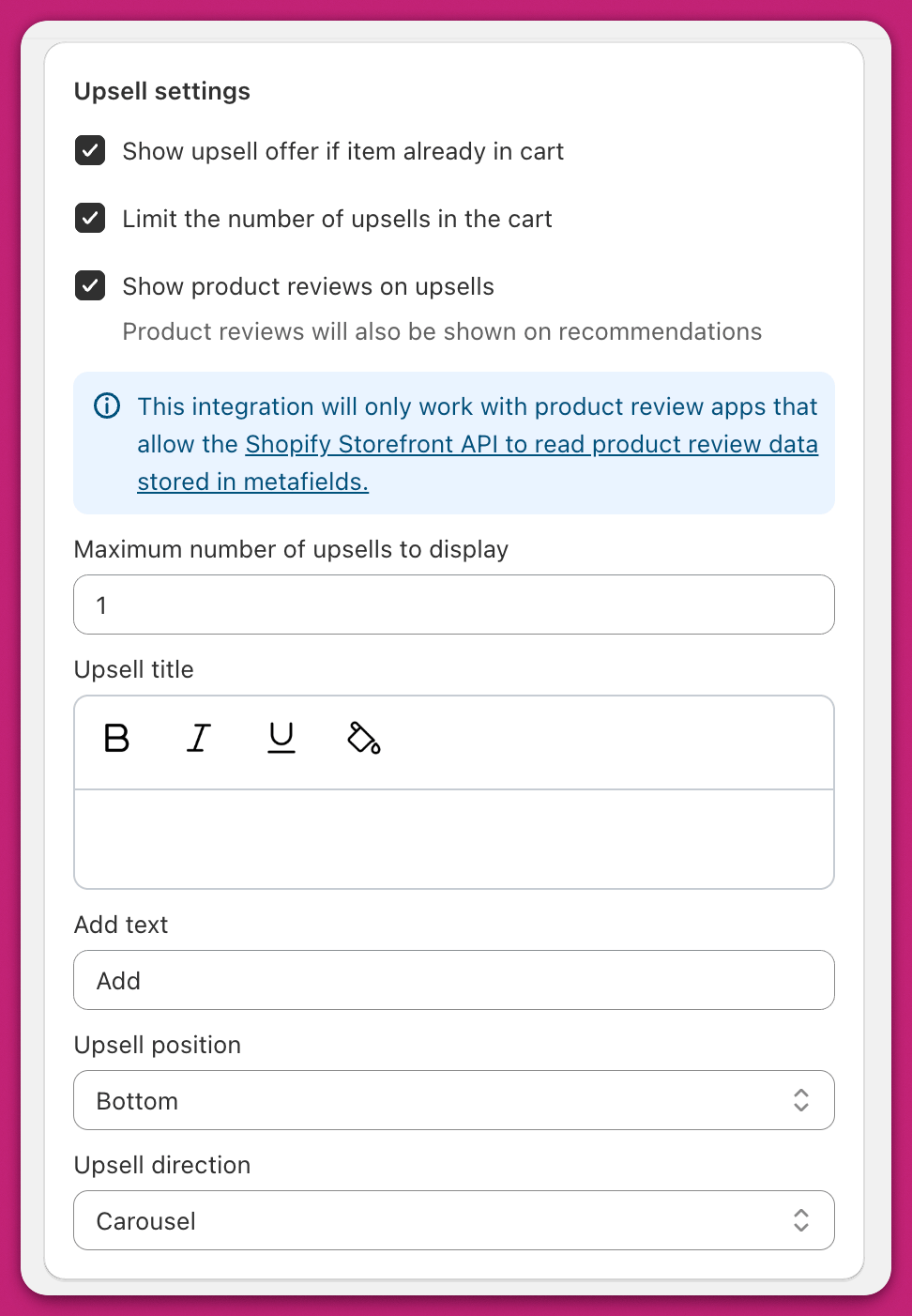
Show Upsell Offer If Item Already In Cart
If this setting is enabled, upsell offers will still display if the upsell product is already in the cart.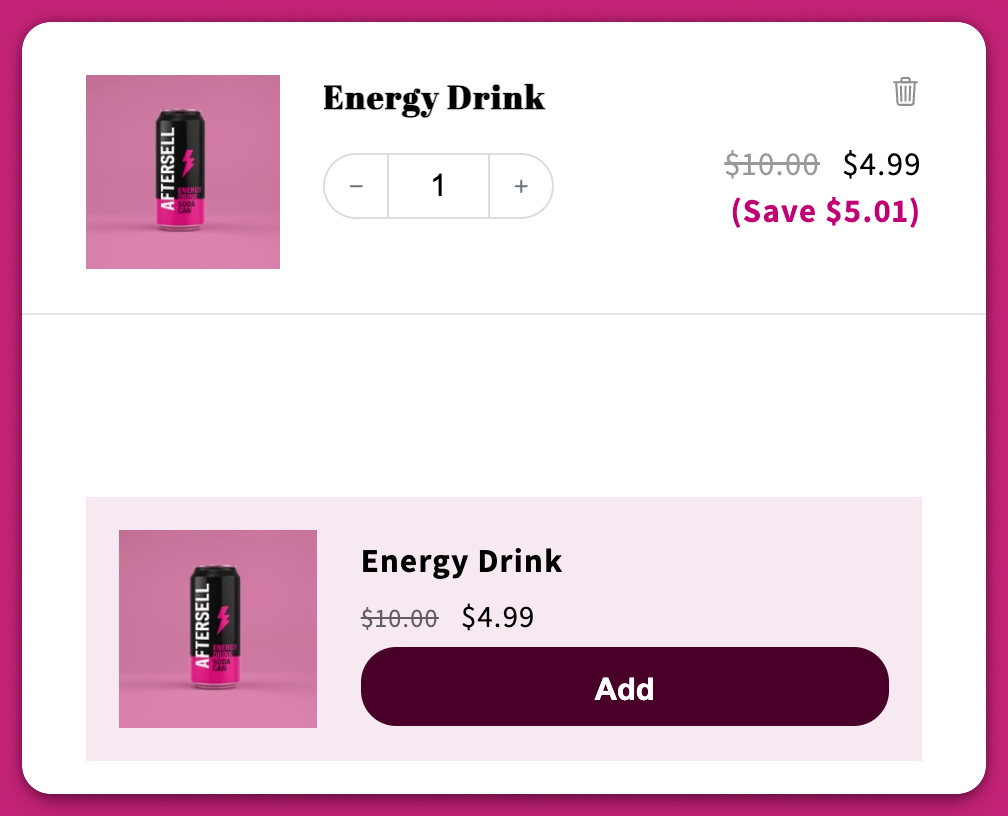
Limit the number of upsells in the cart
Allows you to set a limit to how many upsells can be shown at a time. Ticking it reveals a Maximum number of upsells to display number field (minimum 1):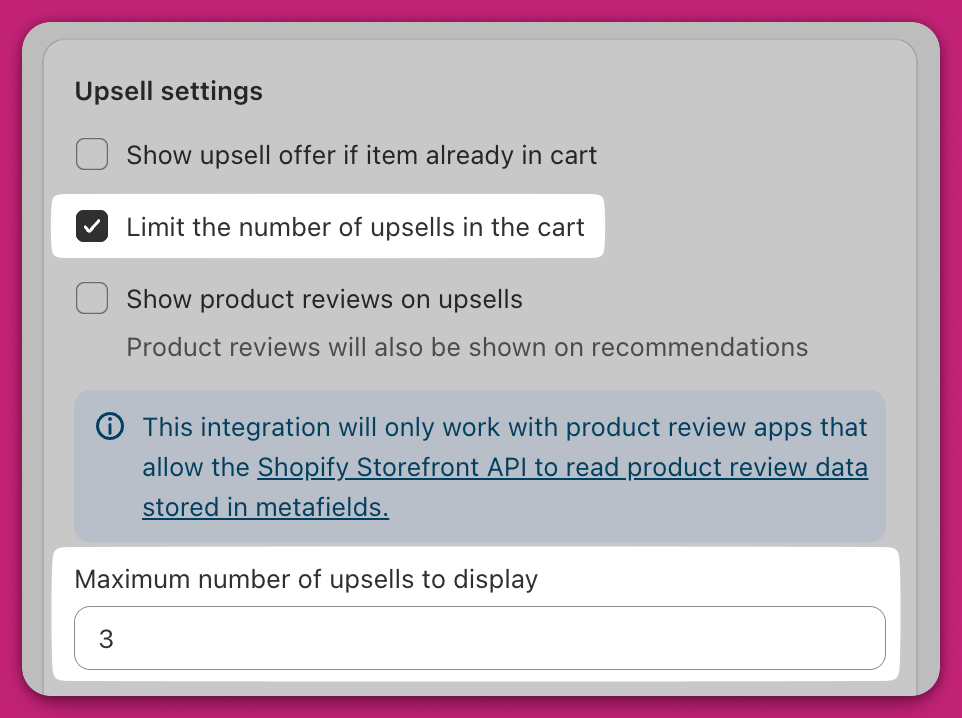
Upsell Title
This is the text that displays above the upsells module. You can style the text by highlighting the text you want to style, then using the buttons above the text field to apply bolding, italics, underlines, and color: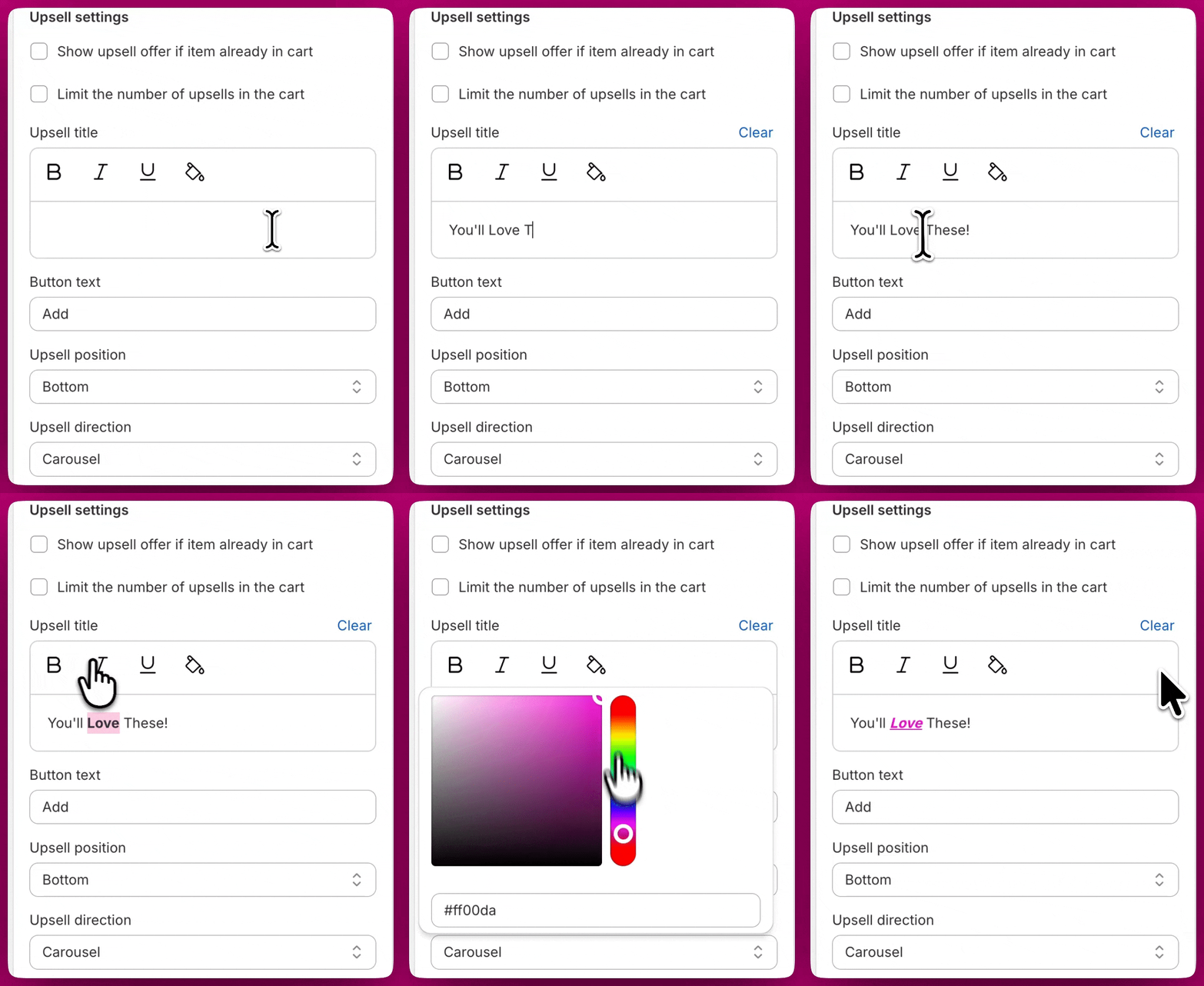
Button text
You can customize the text displayed on the upsell add-to-cart button to your preferred phrasing or language.Upsell Position
This dropdown allows you to choose whether you want the upsells to be located at the top of your cart, or at the bottom. If you’re using the Block upsell direction, we generally recommend choosing Bottom to maximize visibility of your customer’s products.Upsell Direction
This dropdown allows you to change the style of the upsells module. There are two possible options at this time:Carousel
Carousel will display all of the upsell products in a left to right slider. This slider has arrows on the left and right side so that your customer can swap between products.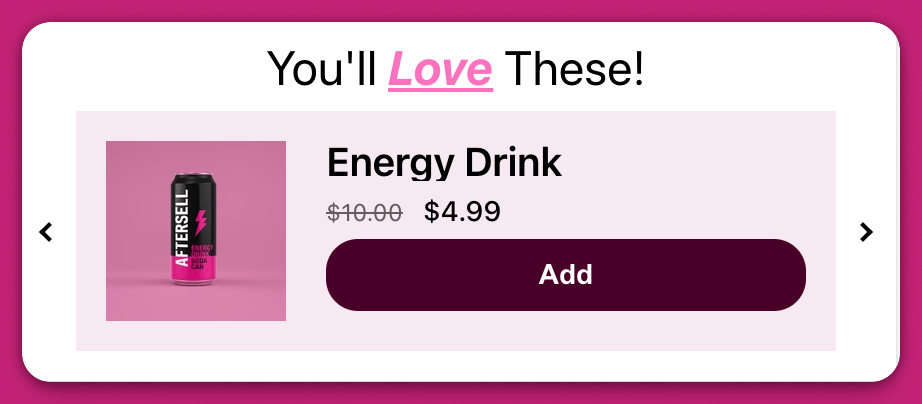
Block
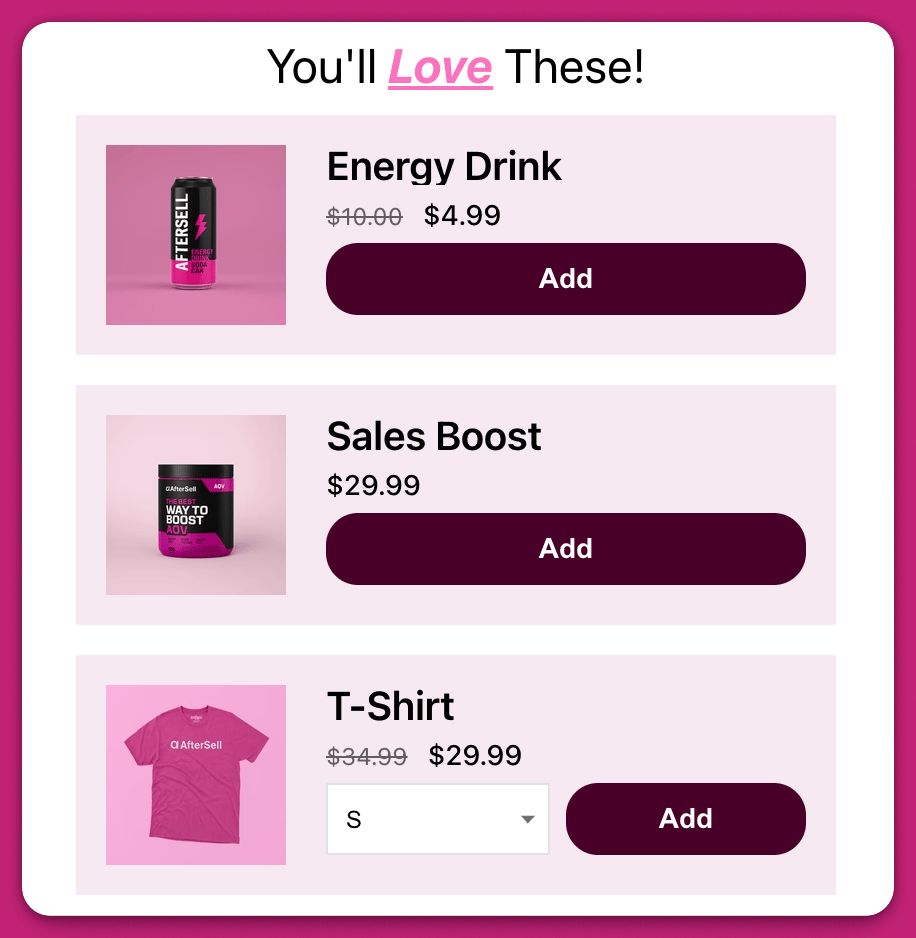
Block will display all of the upsell products stacked vertically: