This guide will walk you through the process of installing Aftersell on your Shopify store. It is a quick and easy process, and only takes 2 minutes!

Step 1: Shopify App Store

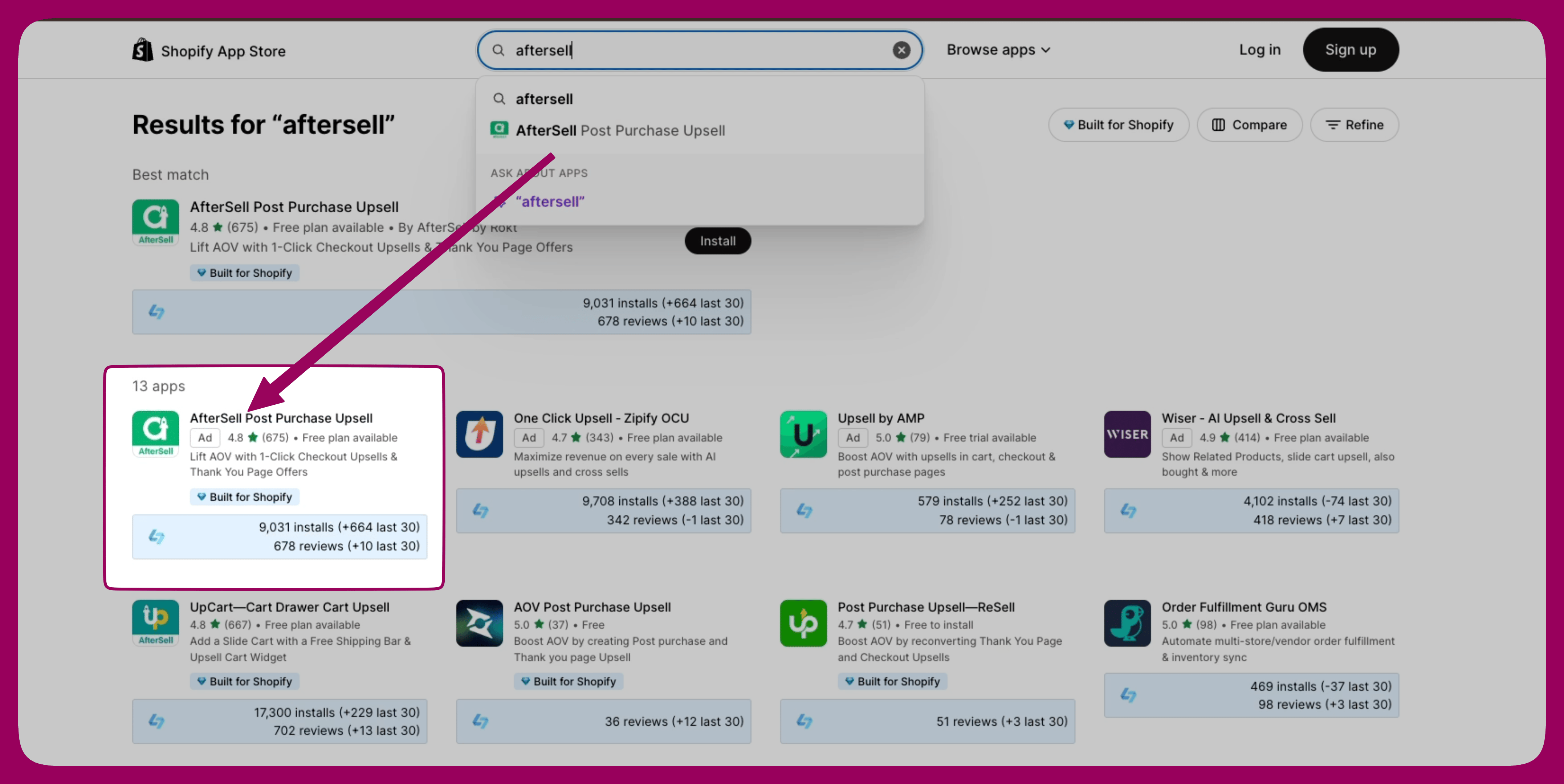
Navigate to the Shopify App Store. Use the search bar at the top to search for “Aftersell.” Look for Aftersell in the search results and click on it. Shopify App Store search results with AfterSell Post Purchase Upsell highlighted Aftersell on Shopify App Store
Step 2: Install Aftersell

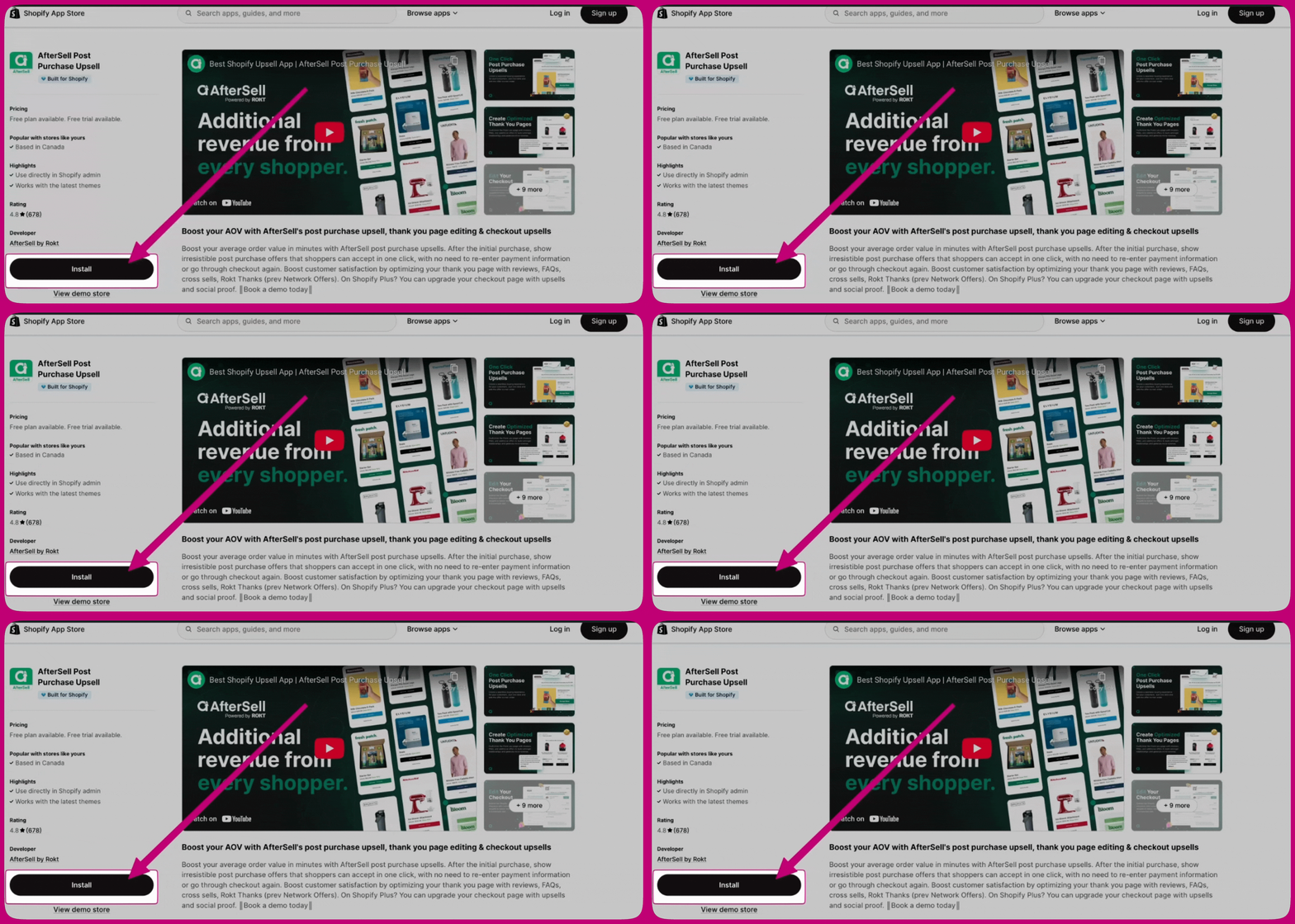
On the Aftersell app page, click the “Install” button. You will be redirected to a page where you can review the permissions the app requires. AfterSell app listing page with an arrow pointing to the Install button
Step 3: Configure Aftersell

After successful installation, you will be redirected to the Aftersell dashboard. Follow the on-screen prompts to complete the initial setup and configure Aftersell according to your preferences.