Payment Methods
You can set payment method customization(s) to show tailored payment options to customers when they finalize their purchase.Delivery Methods
You can set delivery method customization(s) to show tailored delivery options to customers when they finalize their purchase.Actions
You can set three actions for Checkout customizations:- Rename:
- To rename a payment/delivery method, select Add method to rename and choose a matching logic such as “is”.
- Then choose what to do with the name: replace with, add suffix, or add prefix. For example, if the payment method is labeled as “bank deposit”, you can replace it with “BD”, or add a prefix or suffix while keeping the original name.
- Move:
- To reorder payment/delivery methods, choose Sort alphabetically, Sort alphabetically (reverse), Set to the top (based on conditions like “contains”, “does not contain”, or “is not”), or Set manually to arrange them in your own order.
- Delivery methods additionally offer Sort by price (low to high) and Sort by price (high to low). These two are not available for payment methods.
- Hide:
- To hide a payment/delivery method, you can set conditions such as: If the method is If the method contains If the method does not contain If the method is not If it includes all methods For example, you might specify “payment method is bank deposit” to hide it. This action ensures that the selected payment method will not appear in the checkout options. Delivery-method customizations also let you hide on cost value (greater or less than an amount) and on type / type is not.
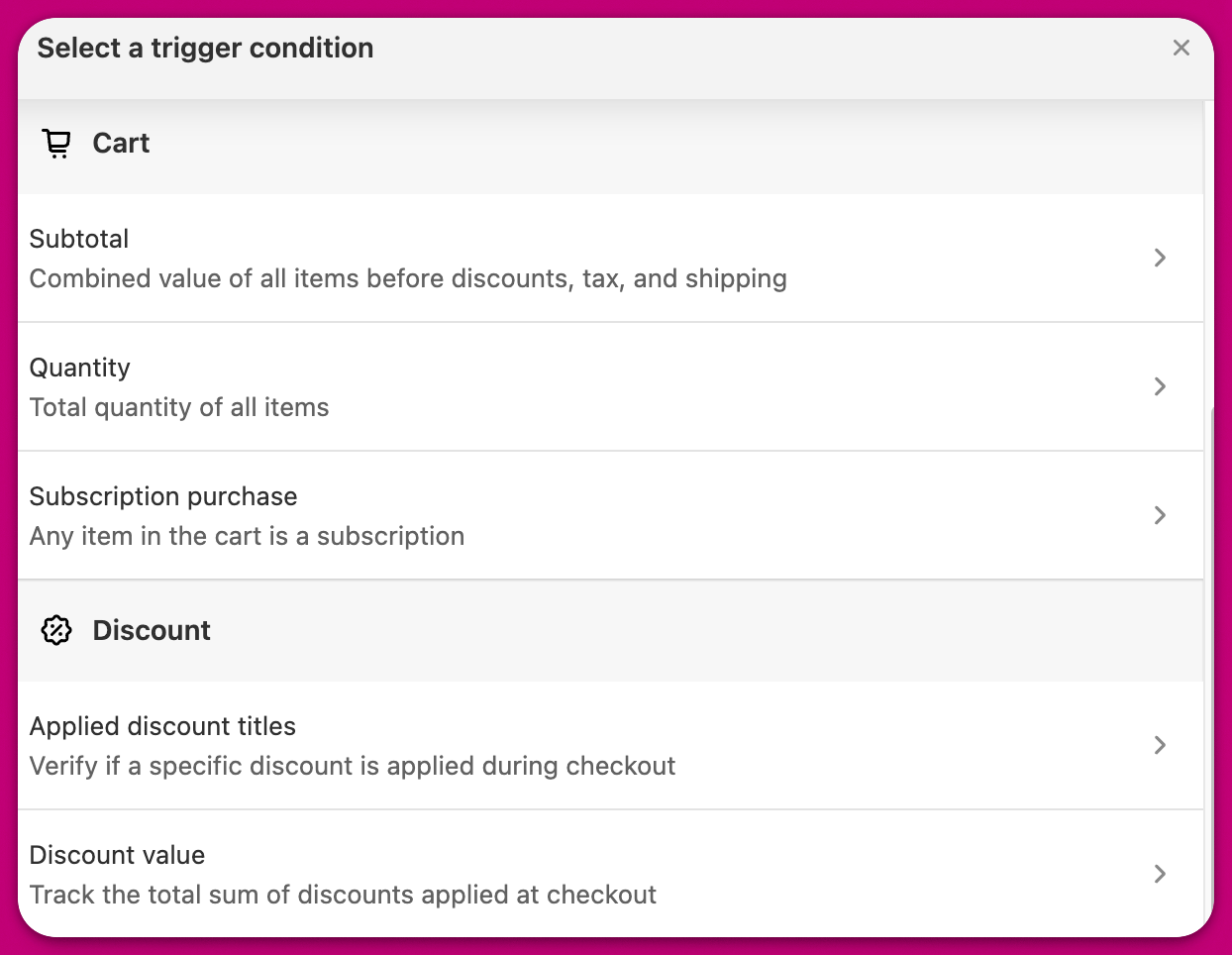
Trigger condition
You can also define specific trigger conditions under which these customizations will be applied: