

Setting up Yotpo integration
- Download the Yotpo app in the Shopify app store
-
In the Yotpo app, tap the Profile icon in the top right corner of the screen, then choose
Account Settings > General Settings. You will find your App Key at the bottom of the General Settings section: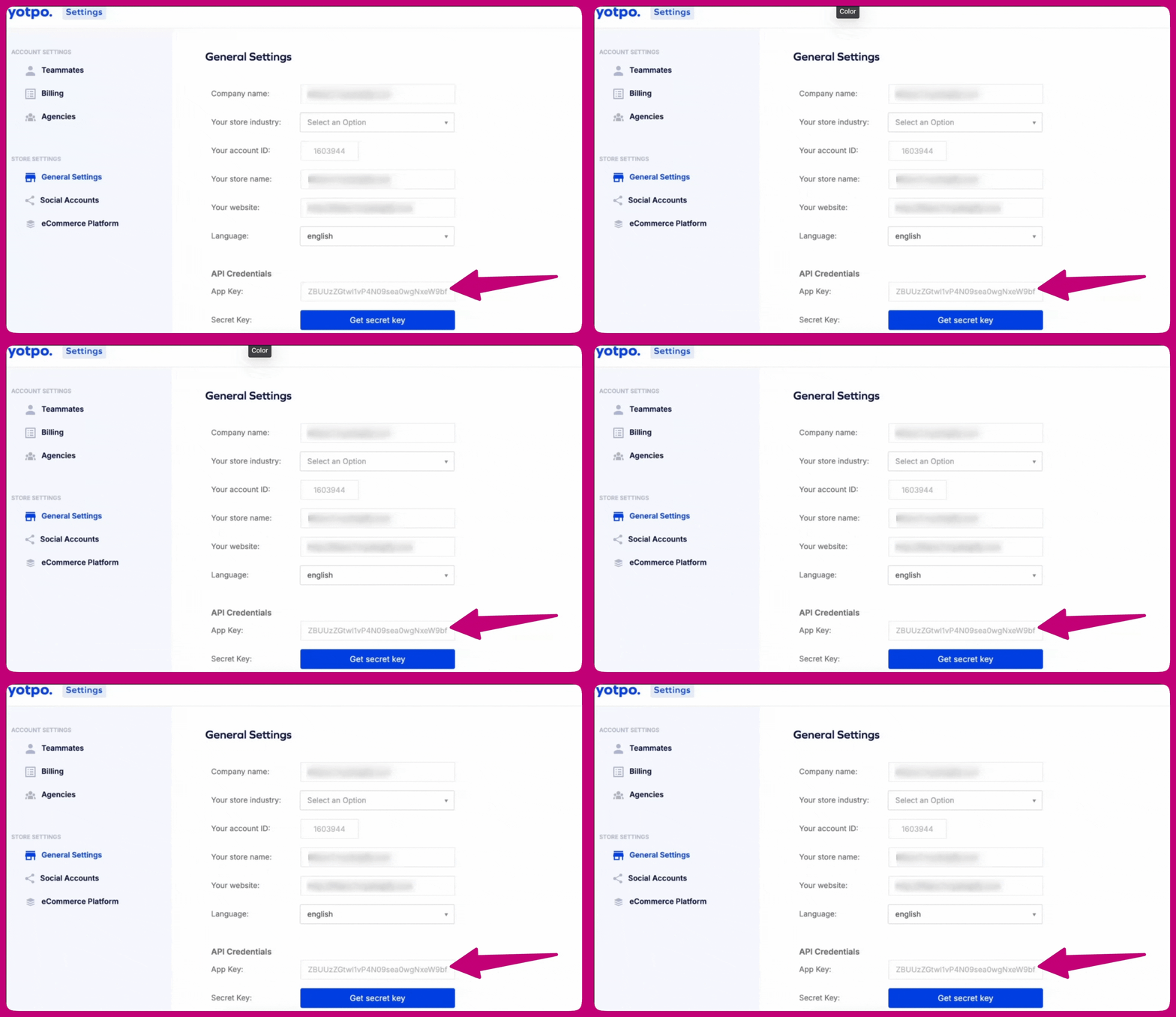
- For more information, click here
-
Open the Aftersell app, then go to
Settings > Product Reviews - Select Yotpo from the review integrations list
- Paste your App Key in the Yotpo app key field
- Click Save changes
Syncing reviews
For the testimonials widget, Aftersell imports reviews from Yotpo and stores them so they can be displayed in checkout. The first import happens automatically within 24 hours, and then once a week after that. To import reviews immediately:- Go to
Settings > Product Reviews - Find the Yotpo reviews section
- Click Sync now