

- General Settings (this document)
- Rewards Settings
- Advanced Settings
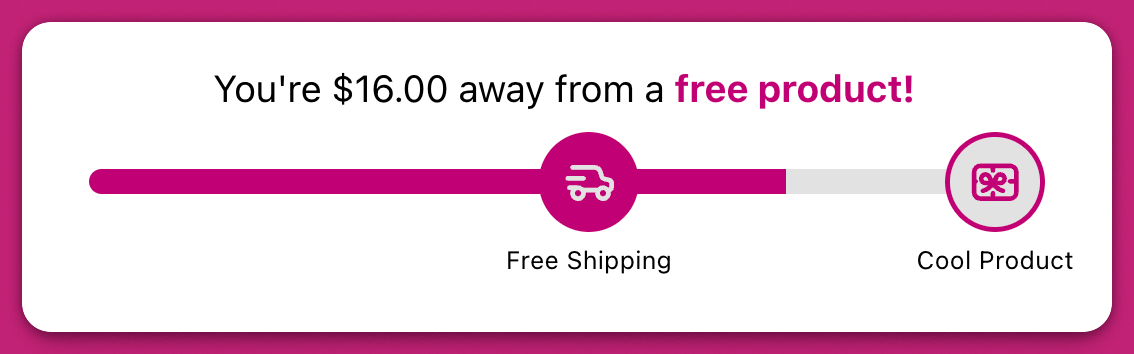
General Settings
Show rewards on empty cart
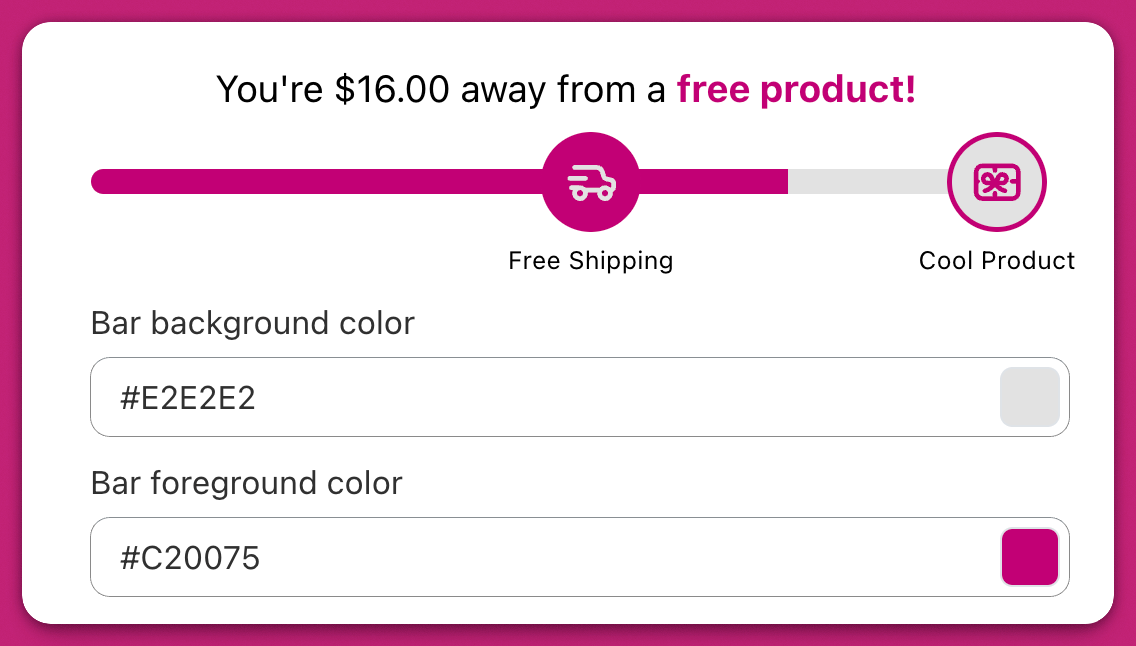
Enable this option to display the rewards bar even when the cart is empty.Bar Background and Foreground Colors
Customize the visual appearance of the bar:- Bar background Color: Represents what remains to be earned
- Bar foreground Color: Indicates progress toward a reward
Text after completing full rewards bar
Add a custom message that appears once all reward tiers have been met. Use formatting tools (bold, italic, underline, color) to style the message as needed.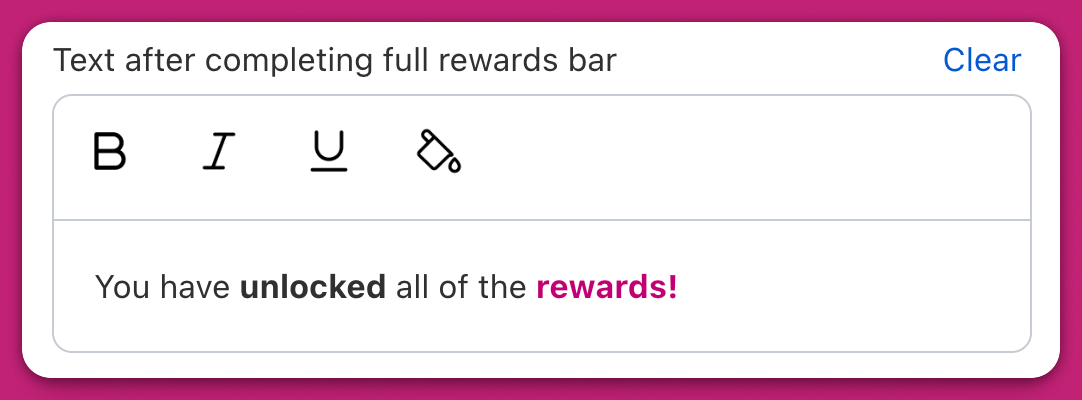
Reward Calculation
Choose how progress is calculated:-
Cart Total
Tracks based on the total cart value (e.g., reward at $100). -
Item Count
Tracks based on the number of items (e.g., reward at 5 items).- The selected basis applies to the entire rewards bar and cannot vary by tier.
Enable Use of Pre-Discounted Cart Total
When enabled, rewards are calculated using the original cart total, ignoring any discounts. This prevents customers from being disqualified for a reward due to a promotion or coupon.Filter Which Products Count Toward Rewards
With Product Filters, you can control which items in the cart are eligible to contribute toward reward progress. This allows for greater precision and use-case flexibility, such as excluding gift cards or targeting only specific product groups. You can apply filters by product, collection, item property, or subscription status. Each filter can be set to either include (only selected items contribute) or exclude (everything contributes except selected items). Multiple filters can be combined for layered logic.Product Filter
This filter lets you include or exclude individual products from the rewards bar.- Include: Only selected products will count toward the reward.
- Exclude: All products count except the ones you’ve excluded.
Collection Filter
This filter applies the same logic as the product filter, but at the collection level.- You can include a full Shopify collection (e.g. “Holiday Collection”) to count toward rewards.
- Or exclude a collection like “Sale Items” if you don’t want discounted products contributing.
Item Property Filter
Use this filter to include or exclude items based on line item properties — metadata that is often added by other apps, custom product options, or internal tagging.- Add filters using key-value pairs (e.g.
upsell: true,__upcartRecommendation: [ID]) - You can leave the value field blank to filter by key alone (e.g. exclude all items with the key
upsell, regardless of value)
Subscription Status Filter
This filter lets you include or exclude items based on whether they are subscription items or one-time purchases.- Subscription items: Only items with an active subscription plan will count toward the reward
- One-time items: Only items purchased as one-time (non-subscription) will count toward the reward