

Understanding the default button colour
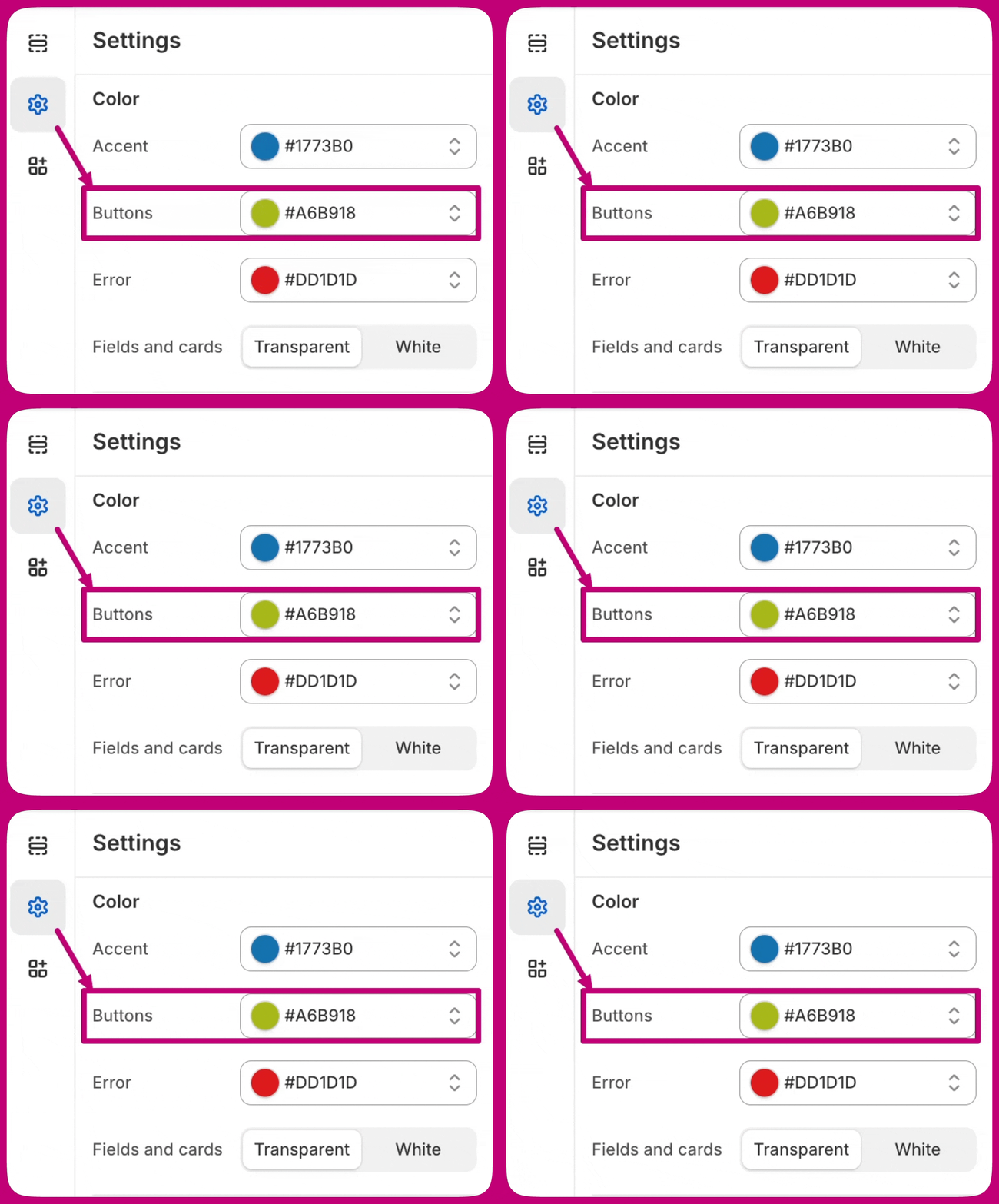
The background color of the post-purchase upsell button will always match the button color of your Shopify Checkout page. This is enforced by Shopify to maintain a cohesive and seamless checkout experience for your customers. To change your button colour go to your Shopify Admin > Settings > Checkout, then click the “Customize” button on your live checkout profile: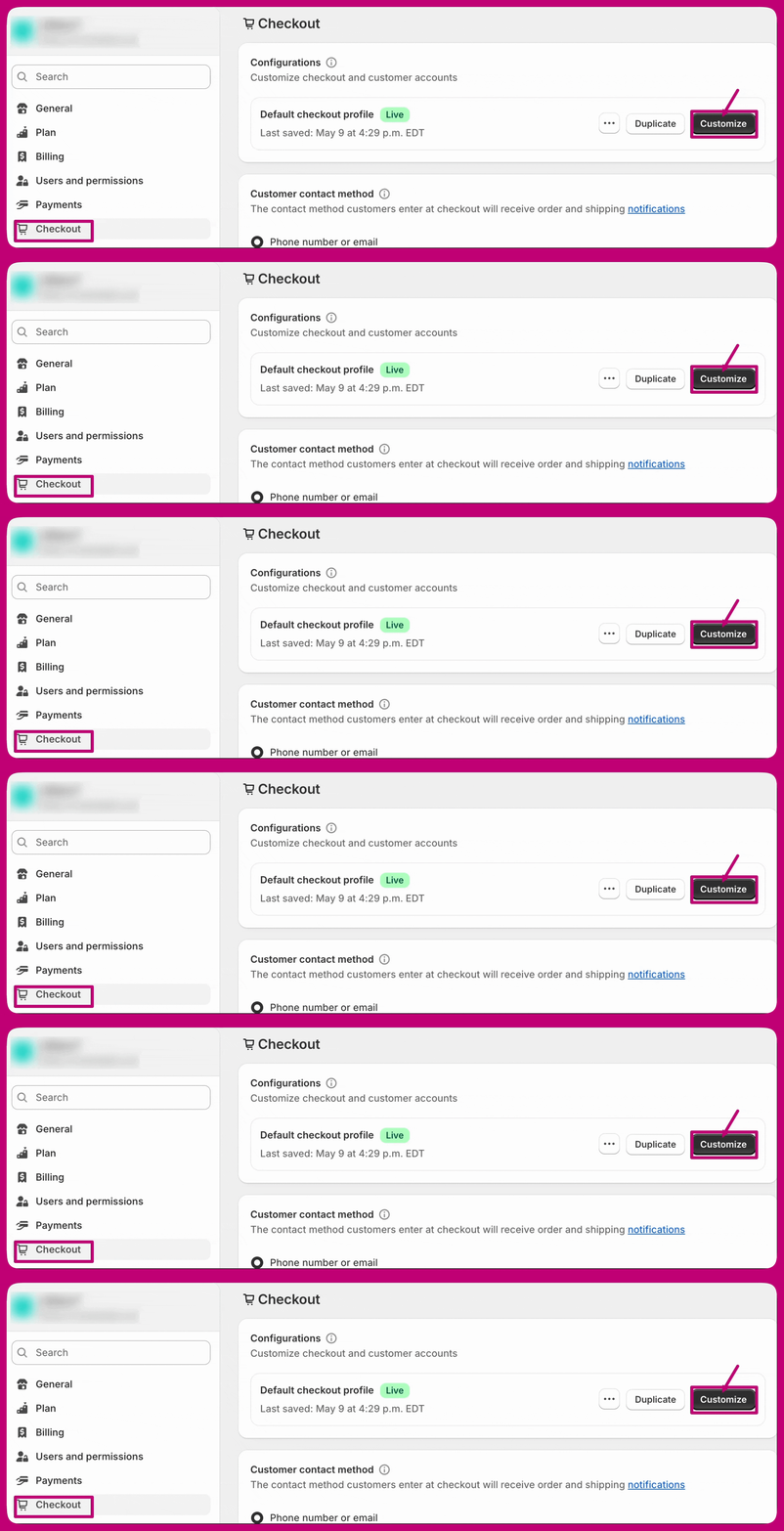
Understanding the button text colour
The text on the button is automatically determined by Shopify according to the button background colour. This ensures that the text remains visible and easy to read. Please note that our editor preview may occasionally show minor inaccuracies, but the post-purchase branding will match your Shopify checkout settings on a live offer.Following these steps allows you to easily adjust the background color of the post-purchase upsell button to better match your brand’s look. If you have any issues or further questions, please don’t hesitate to reach out to our support team via the chat option in the bottom right corner of the app.