

Shipping & Delivery > Order Routing. If you don’t see this option, ensure you have at least two active locations. If you do, and the section is still missing, your store might be using the legacy Location Priority system, which is located under Locations > Location Priority.
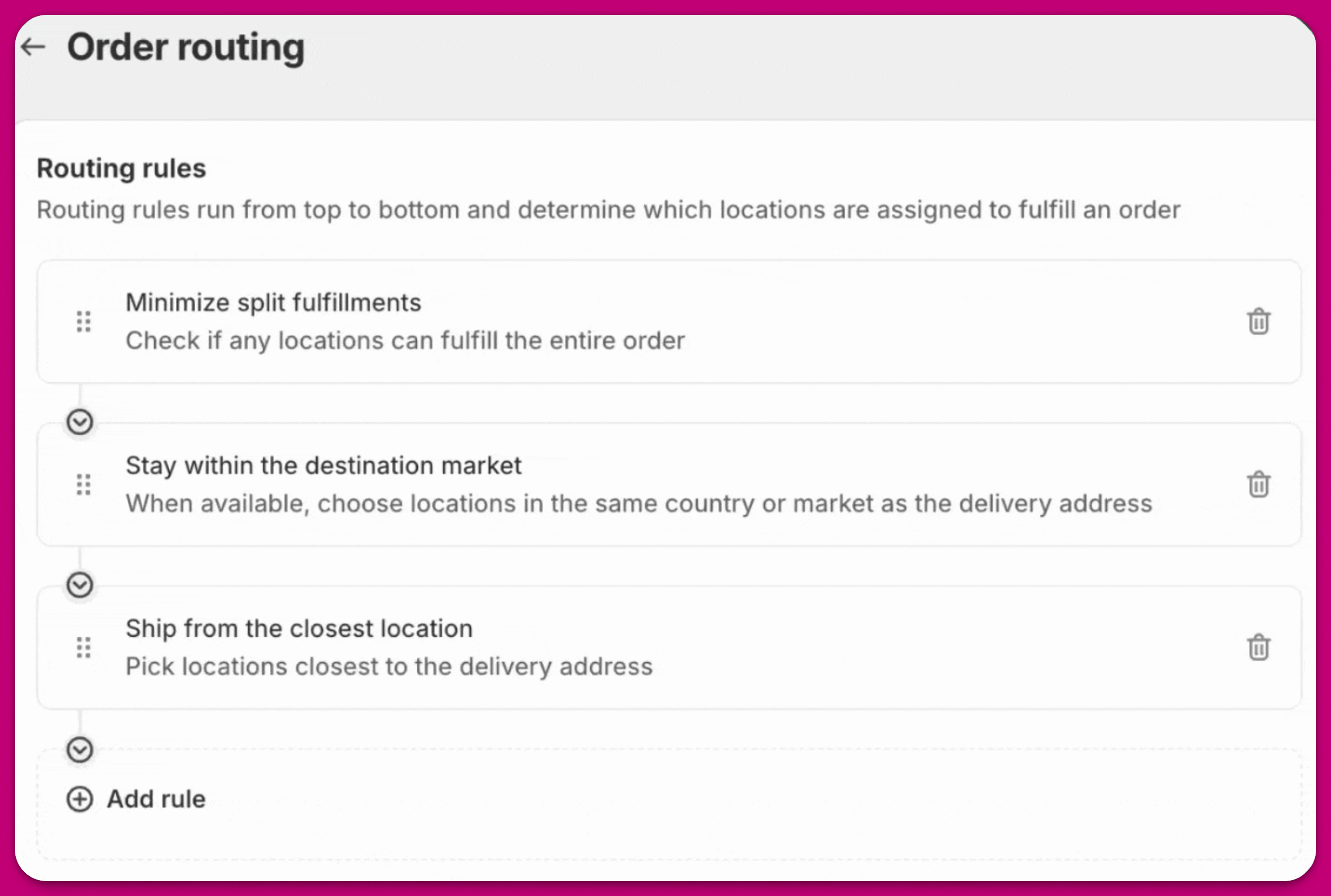
Shopify applies these default rules, in priority order, for selecting a location for fulfillment as of the time of writing this article:
- Minimize split fulfillments — keep the order in as few shipments as possible.
- Stay within the destination market — prefer locations in the customer’s market.
- Ship from the closest location — prefer the location nearest the customer.
Customizing Inventory Locations (Advanced)
In Aftersell, you can select which inventory locations are used for post-purchase upsells. Please note that this is an advanced setting, which requires assistance from our support team to enable.- Once added by our support team, you can find these inventory settings by navigating to Aftersell > Settings > Inventory.
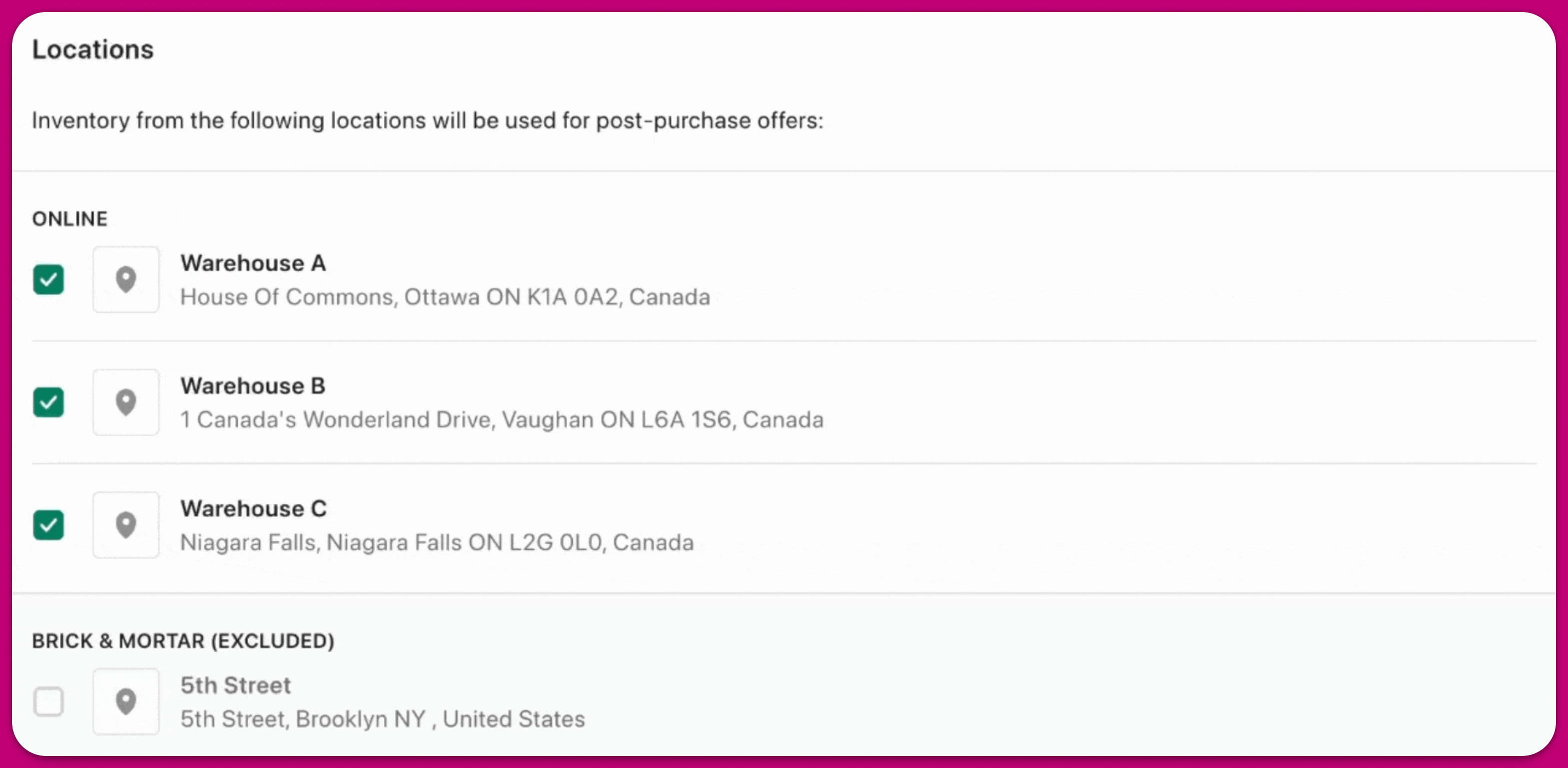
Note: Automatic Upsells use Shopify’s Recommendation APIs, which don’t allow filtering by inventory location. Aftersell checks stock by location afterward, but the initial recommendations from Shopify can’t be limited to a specific location.
You can read Shopify’s documentation on this here