

Overview
Sandbox Mode allows you to make and preview changes to your cart setup in a private testing environment. It’s a safe space to experiment before going live.When to Use Sandbox Mode
Use Sandbox Mode to:
- Preview large changes before publishing
- Share your setup with colleagues for review
- Test custom HTML and CSS safely
Avoid using it to:
- Save small tweaks — use the live editor instead
- Store previous cart versions — Sandbox is temporary
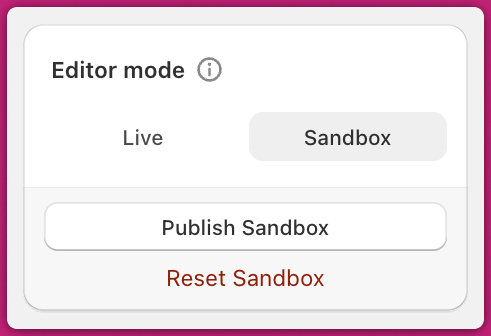
How to Use It
- in Cart Editor, under Editor Mode selector, choose Sandbox.
- Make your changes and save. These won’t affect the live cart.
- Click Preview to view the sandbox cart.
- Share the preview URL if needed.
- When ready, click Publish Sandbox to push the changes live.
Limitations
Shipping Protection Add-ons
These cannot be edited in Sandbox Mode, since changes would apply instantly to the live product.Product-based add-ons are not affected and can be edited freely.
Page Refreshing & Multi-Tab Previews
When switching between sandbox and live previews, Upcart will refresh the page to load the correct data.If you need to preview both versions at once, use a private/incognito window for one of them to avoid forced refreshes.